
Voice AI With Agent Delegation Is Now a Workplace Control Problem
ChatGPT can now talk full-duplex while kicking off tools and agentic work in the background. That sounds like a productivity win — and it is — until someone starts a voice session that can touch customer data, open Codex tasks, or drive connected apps from a hallway conversation. Natural speech plus background agents is not just a UX upgrade. It is a workplace control problem.
The takeaway for operators
Do not roll voice-with-delegation near customer data or production systems until you decide who can start sessions, which tools voice may trigger, and how you will audit what happened after the call ends.
What shipped
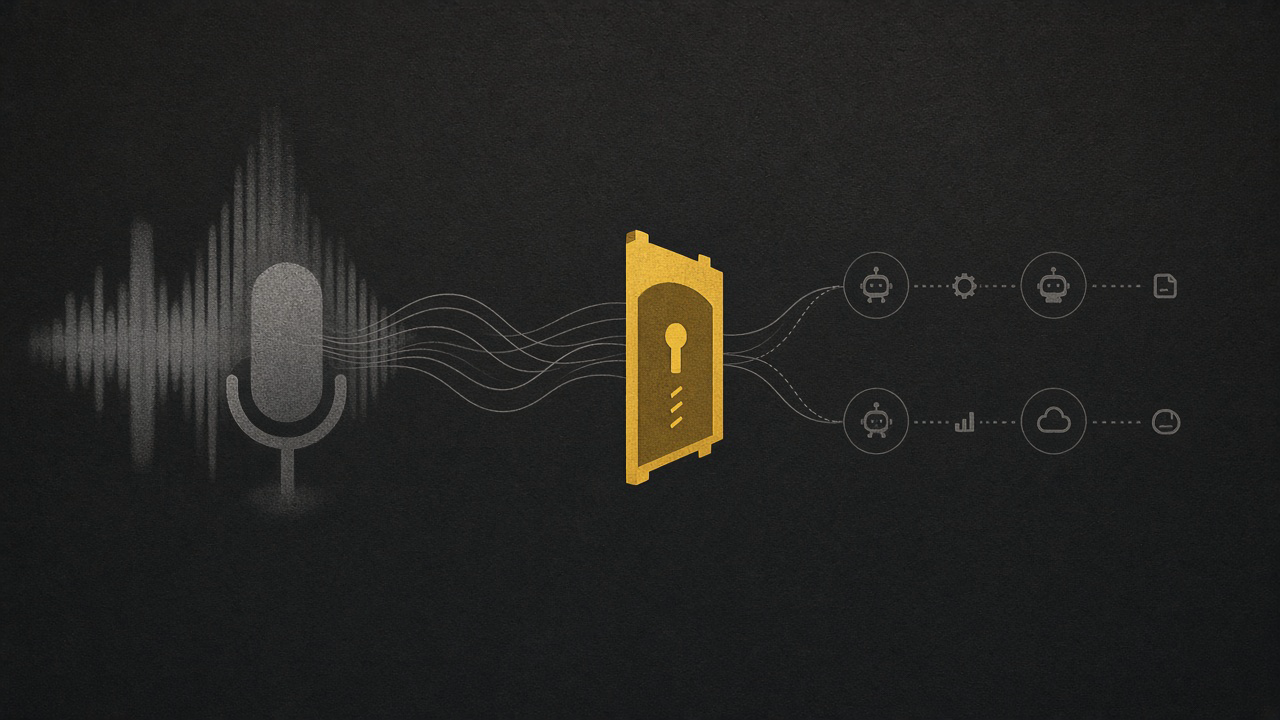
OpenAI’s GPT-Live handles spoken conversation while a backend agent looks up information, uses tools, and completes tasks. It can listen while speaking (full duplex). Sending work to the backend is called delegation. Your application still checks permissions, obtains confirmations, runs functions that access your systems, and saves task progress — and interrupting speech does not automatically cancel backend work.
On the product side, ChatGPT Voice — powered by GPT-Live — lets users talk through ideas and coordinate tasks in Chat, Work, and Codex in the ChatGPT desktop app. Examples from OpenAI’s docs include reviewing a launch brief, starting a Codex task to run tests, and checking active tasks for blockers. Voice follows the same permissions as the tasks it directs. On macOS, optional screen context can capture the frontmost window (including text outside the visible scroll area), which orgs can disable.
API pricing is blunt: GPT-Live-1 voice sessions cost $0.05 per minute, billed per second, with backend model and tool usage charged separately. OpenAI’s launch post frames the same split: $0.05/min for the front-end voice layer, paired with whatever backend model and agent harness you choose. Times of India (Sep 25, 2026) also notes Voice connecting to tools and connected apps on web and mobile, with Work tasks able to continue in text after the voice conversation ends.
Why voice + agents changes the control plane
Typed agents already stretch permissions. Voice compresses the gap between casual intent and irreversible action.
Three shifts matter for founders:
1. Ambient authority. A spoken “start a Codex task and fix whatever fails” can trigger tool chains without the friction of a carefully reviewed prompt. Friction was doing quiet risk work for you.
2. Split surfaces, one blast radius. GPT-Live talks; a backend agent acts. The person interrupting the assistant may not realize work keeps running unless your app cancels it. Docs are explicit: your application decides whether to finish or cancel delegated work.
3. New leak paths. Screen context, microphone always-on culture, and hallway voice sessions expand what the model can see and hear. That is useful for demos. It is messy near CRM, payroll, or customer support consoles.
This is enterprise AI interfaces meeting agent sprawl: every new way to start work is a new way to start privileged work.
Ops controls to set before you roll it out
Who can start agentic voice sessions
Limit Voice + Work/Codex to a named pilot group. Enterprise and Edu already have rollout and workspace settings — use them. Do not make “everyone with Plus” your security model.
What tools voice can trigger
Map allowed tools per role. Read-only research is different from “create spreadsheet,” “run tests,” or “talk to another Codex task.” Prefer confirmation gates for write actions, money movement, and customer-data tools.
How you audit after the fact
Require transcripts, task IDs, and tool-call logs tied to the human who started the session. If you cannot reconstruct “who said what, which agent ran, what changed,” you cannot support an incident review.
Where voice is banned
Define no-go zones: prod consoles, PHI/PII screens, deal rooms, and shared coworking spaces if screen context is on. Org-disable appshots where needed.
How long delegated work may live
Set a policy for orphaned backend tasks after a voice session ends. Continuity is a feature; abandoned agents burning tokens against prod APIs is not.
A one-week rollout checklist
- Pick one low-risk workflow (internal status summaries, not customer mutations).
- Turn on Voice only for that cohort and those tools.
- Disable screen context unless the use case requires it.
- Write a two-paragraph acceptable-use note: what Voice may start, what needs typed confirmation.
- Review cost: $0.05/min voice plus backend/tool bills — meter pilots so “always-on voice” does not become a surprise invoice.
- Schedule a 30-minute tabletop: accidental prod tool call via voice; who kills the task?
Soft next step
Yellow Coop helps founders and operators design fractional CTO guardrails for AI interfaces — including voice agents — so productivity features do not outrun permissions. If your team is about to enable ChatGPT Voice near customer systems, lock the control plane first, then enjoy the hands-free demos. Start at contact.
Internal links: Secure, What We Do, How We Engage, Insights.
Sources
- GPT-Live API guide — OpenAI Developers
- Introducing GPT-Live-1 in the API — OpenAI
- ChatGPT Voice — OpenAI
- API pricing — OpenAI Developers
- OpenAI launches GPT-Live for more natural human-AI voice interactions — Times of India, Sep 25, 2026